

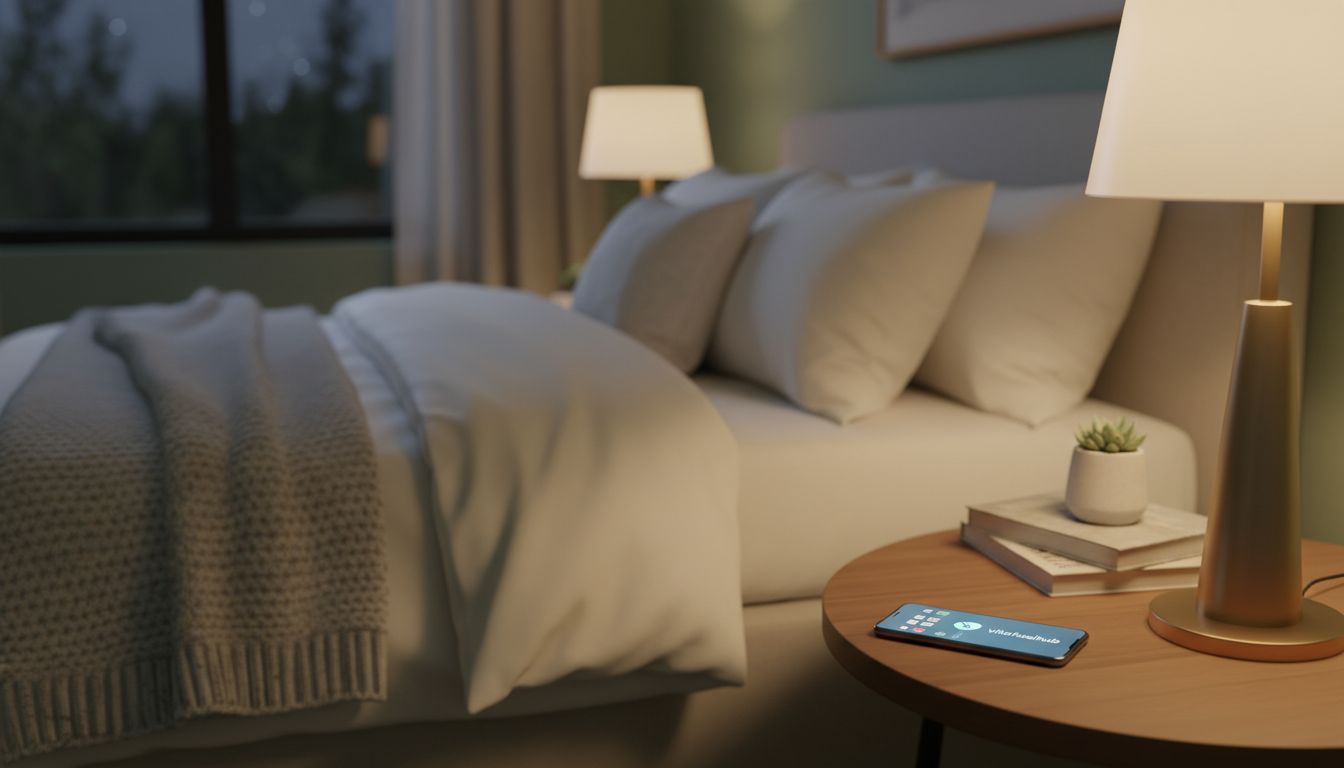

Surprising fact: about 60% of adults spend at least one hour before bed scrolling, and that habit can ripple through daily energy and health.
Raj Dasgupta, M.D. calls technology a standard part of the modern bedtime routine. Many people bring a device to bed and then wonder why they feel tired the next day.
Research shows keeping a phone near the bed can make it harder to fall asleep and to stay rested. Using your phone as a phone alarm often keeps that device too close during the night.
Breaking the habit of having a phone bed presence is a simple step that can improve how your body relaxes and restores. This article looks at practical changes and the evidence behind them.
Key Takeaways
- Many people spend an hour on their device before bedtime, which affects rest.
- Experts like Raj Dasgupta, M.D. note tech is now part of nightly routines.
- Keeping a phone near the bed can disrupt how quickly you fall asleep.
- Using a dedicated alarm can reduce nightly distractions.
- Small changes to your bedtime routine can boost daytime energy and health.
The Reality of Having a Phone in Bedroom Sleep
Most people keep devices within arm’s reach at night, which keeps the outside world close during hours meant for rest.
A 2012 Time/Qualcomm poll found almost three-quarters of participants brought their device into the room at night. Raj Dasgupta, M.D. notes that about 71% of people sleep with their phone in hands, on beds, or on nightstands.
That proximity matters. When a device sits on the bed, you check it more often. Those interruptions reduce the overall quality of rest and make it harder to reach deep, restorative sleep.
“Keeping a device within reach often turns a night into a string of short, interrupted awakenings.”
- Most people stay constantly connected at night, with 71% within reach.
- Nearly 75% bring devices to the room, linking night time to alerts.
- Silent mode helps, but the physical presence still distracts from true rest.
- Even with a separate clock, the urge to reach for a device can break the cycle.
Small changes to where you place a device can boost rest quality. Move it off the bed and out of easy reach to give your body a chance to recover.
How Blue Light Disrupts Your Natural Sleep Cycle
Even modest evening exposure to blue wavelengths can trick the brain into thinking daylight is still present. That signal reduces a key hormone that tells your body it is time to rest.
The Role of Melatonin
Blue light emitted by screens suppresses melatonin release. Dr. Adrian Williams explains that evening light is especially powerful at delaying melatonin secretion.
Lower melatonin means delayed tiredness and poorer quality nights. Short exposure of even 30 minutes can push your internal clock later.
Proximity and Exposure Levels
Dr. Joseph Ojile notes that handheld displays are more intense because they sit close to the face. That closeness boosts exposure and the hormone-suppressing effect.
“Because the screen is near your eyes, the light impact is stronger than a distant TV.”
- Effect: Blue light emitted tricks the brain into daytime mode.
- Timing: Evening exposure has the biggest impact on the hormone cycle.
- Practical: Limiting screen time an hour before bed helps restore normal signals.
| Factor | Why it matters | Action |
|---|---|---|
| Blue light intensity | Suppresses melatonin more when closer to eyes | Reduce close screen use 30–60 minutes before night |
| Exposure time | Longer exposure delays the internal clock | Limit bright screen use to short, necessary tasks |
| Distance | Closer devices raise effective light dose | Place devices farther from the head or use low-blue modes |
The Psychological Impact of Late Night Notifications
When alerts arrive after dark, they prime the brain for vigilance instead of relaxation.
That reaction creates a loop: each ping trains attention to expect more. Over time, this constant readiness makes it harder to fall into deep, restorative sleep. Checking emails or social media right before bed keeps the mind active and delays rest.
Dr. Gregory L. Jantz warns that feeling anxious about leaving your phone in another room may hint at an unhealthy attachment. That worry alone can raise stress and cut into good sleep hygiene.
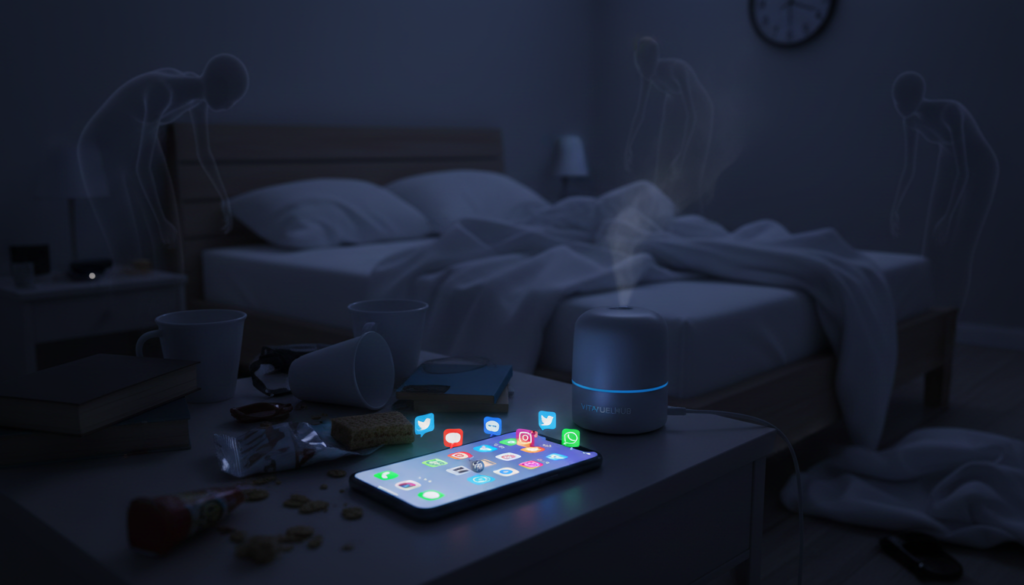
- Late-night alerts make your brain expect constant engagement, which harms overall sleep habits.
- Every notification from a device on the bed can act as a trigger that fragments rest.
- Use Do Not Disturb or a dedicated alarm to set boundaries and reduce nighttime media and emails.
“If leaving a device out of the room causes anxiety, reassess your relationship with technology.”
Why Your Brain Struggles to Unwind with Technology
Late-night scrolling and work tasks prime your mind for action when it should be winding down.
The danger is twofold: engaging content keeps neural circuits active, and the light from a screen lowers melatonin levels.
The Danger of Active Brain Stimulation
Reading intense articles, answering emails, or scrolling social feeds keeps the brain alert. That alert state raises heart rate and makes it harder for the body to relax.
Stanford research shows productivity drops after a certain hour, yet many keep working past that point. Pushing through that threshold delays rest and reduces next-day quality.
Blue light emitted by small screens adds a chemical barrier. It suppresses melatonin, the hormone that signals your body it’s time to rest.
“Even passive content can be stimulating if it causes your heart rate to rise.”
- Active tasks and charged media keep neural activity high.
- Close exposure to blue light compounds the effect by altering hormones.
- Give your brain a quiet period before bedtime to restore natural rhythms and improve health.
Practical Strategies to Detach from Your Device
Charge your device outside the room. Dr. Joseph Ojile recommends plugging gadgets into a charger in another room about one hour before your planned bedtime. This removes temptation and cuts blue light exposure during the crucial hour when melatonin should rise.
Use a proper alarm alternative. If you rely on a phone alarm clock, switch to Do Not Disturb mode and disable notifications. Better yet, try a traditional alarm clock to avoid reaching for the screen during the night.
Create a short, tech-free routine each night. Read a book, do light stretching, or write a gratitude note. A consistent routine trains the brain and body to enter restorative states more easily.
- Set a power-down time: turn off nonessential devices at the same hour each night.
- Limit exposure: avoid bright screens one hour before bed to protect melatonin cycles.
- Use modes: enable Do Not Disturb for essential alarms only.
| Action | Why it helps | How to do it |
|---|---|---|
| Charge in another room | Removes close-range blue light and temptation | Start charging one hour before bedtime; keep bedroom device-free |
| Use Do Not Disturb or alarm clock | Prevents notifications from fragmenting rest | Enable DND except for alarm; try a simple bedside clock |
| Set a digital curfew | Allows melatonin to rise naturally | Pick a nightly power-down time and stick to it |
Replacing Digital Habits with Calming Alternatives
Swap late-night scrolling for small calming rituals that cue your body it’s time to unwind. These changes cut bright light exposure and reduce mental chatter before bed.
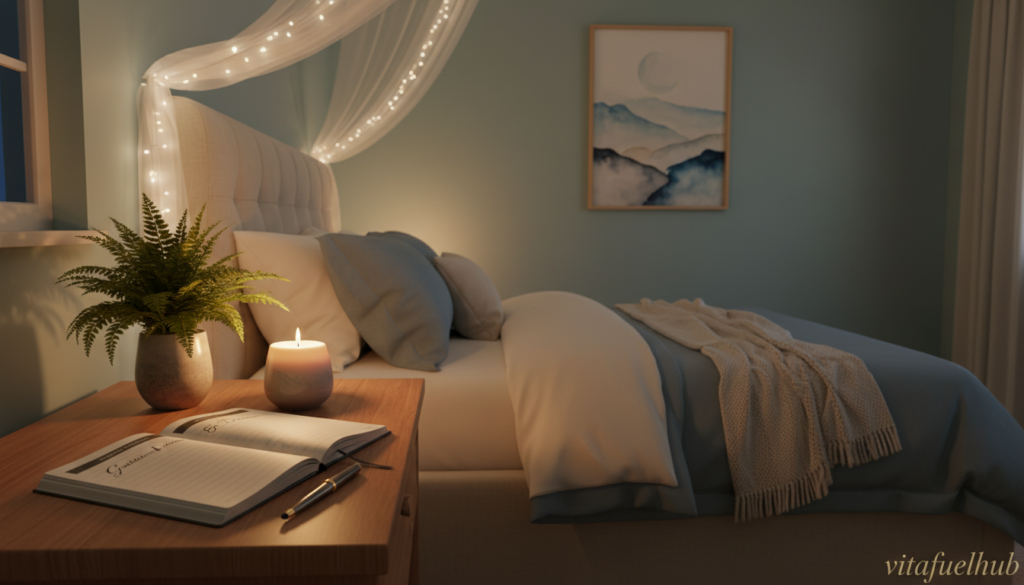
Benefits of Gratitude Journaling
Writing for 15 minutes each night helps many people fall asleep faster and lowers stress. A study found people who kept a short gratitude journal reported easier nights and better next-day focus.
Try a simple prompt: list three wins from the day or three things you’re grateful for. This small act trains the brain to process events and lets emotional tension fade.
Using Audio for Relaxation
Audio options let you keep your device outside the room while you drift off. Guided meditations, calming music, or nature tracks reduce the urge to check screens and limit blue light exposure.
Practical tips:
- Set a 15–20 minute audio session to match your routine.
- Use a dedicated speaker or low-volume timer so the device can stay away from the bed.
- Read a physical book or write in a journal instead of scrolling for a gentler transition.
These simple tips help you move away from technology and protect overall health. For a step-by-step plan on creating a nightly digital curfew, try a short guide to a digital detox.
Rethinking Your Alarm Clock Strategy
How you wake up can shape mood and focus for the whole day.
Data shows 89% of people check their phone within an hour of waking. That immediate dive into media and emails often sparks stress before breakfast.
Try a dedicated alarm clock or a wake-up light that mimics sunrise. Devices such as the Philips Wake-up Light raise gentle light over about 30 minutes. That slow increase helps the brain move from rest to alertness without a jolt.
By keeping your phone in another room and using an alternative clock, you protect your morning routine. You can gain 10 to 30 extra minutes to breathe, stretch, or plan the day. This small shift lowers early-day anxiety and preserves the bedroom as a restful space.
- Avoid immediate scrolling: delaying media reduces morning reactivity.
- Use gradual light: a wake light eases body chemistry and mood.
- Keep devices away: a separate clock helps maintain a calmer routine.
“Rethinking your alarm is a simple, high-impact step to start the day with calm rather than chaos.”
Creating a Sanctuary for Better Rest
A consistent, low-stimulation zone primes your nervous system to relax at the same regular time each evening.
Start by removing common distractions. Keep your phone stored away and swap bright screens for dim lighting an hour before bed. This reduces blue light emitted by devices and helps melatonin rise naturally.
Incorporating White Noise Machines
White noise machines mask sudden sounds and create a steady audio backdrop. Many people fall asleep faster when traffic or neighbors no longer break their rest cycle.
The calming effects of white noise can improve sleep quality and stabilize hormonal rhythms. Use a low, continuous setting and place the device near your clock or on a bedside table.
- Remove devices from the room at night to limit exposure to blue light and alerts.
- Choose a white noise machine with multiple sound modes and a timer.
- Prioritize good sleep hygiene: dim lights, steady sound, and a clutter-free bed area.
“A steady ambient sound helps maintain a steady sleep cycle even in noisy environments.”
Conclusion
Protecting quiet hours pays off: your next-day focus depends on what you do during the last hour before bed.
Establish a healthy relationship with your phone by moving it away and using a traditional alarm. Small swaps, like a white noise machine or wake light, keep late light exposure low and guard natural rhythms.
Reducing reliance on technology at night protects long-term health. The time you spend away from screens is an investment in energy and focus for the next day.
Prioritize good hygiene: set a consistent bedtime routine, limit alerts, and treat the room as a true sanctuary for rest.